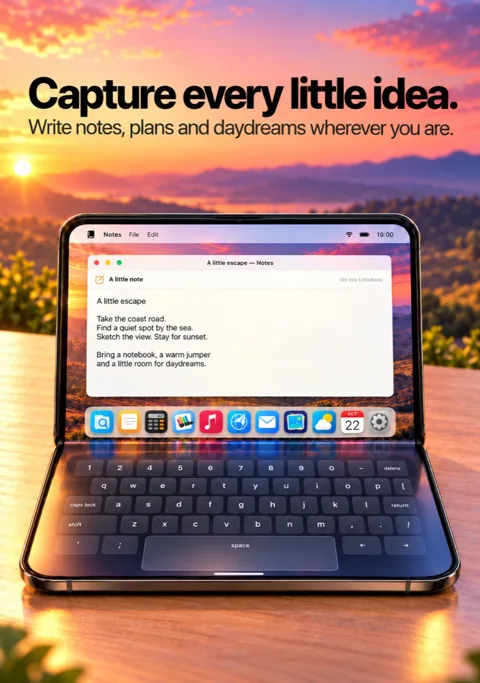
For the things worth keeping
Notes
Ideas, lists and daydreams, saved as little documents you can come back to.
 A little world by DevItUp
A playful little desktop for your iPhone. Open your miniature laptop, explore familiar little apps, and make it yours.
Coming to the App Store
For iPhone and iPhone Duo · Requires iOS 27 or later
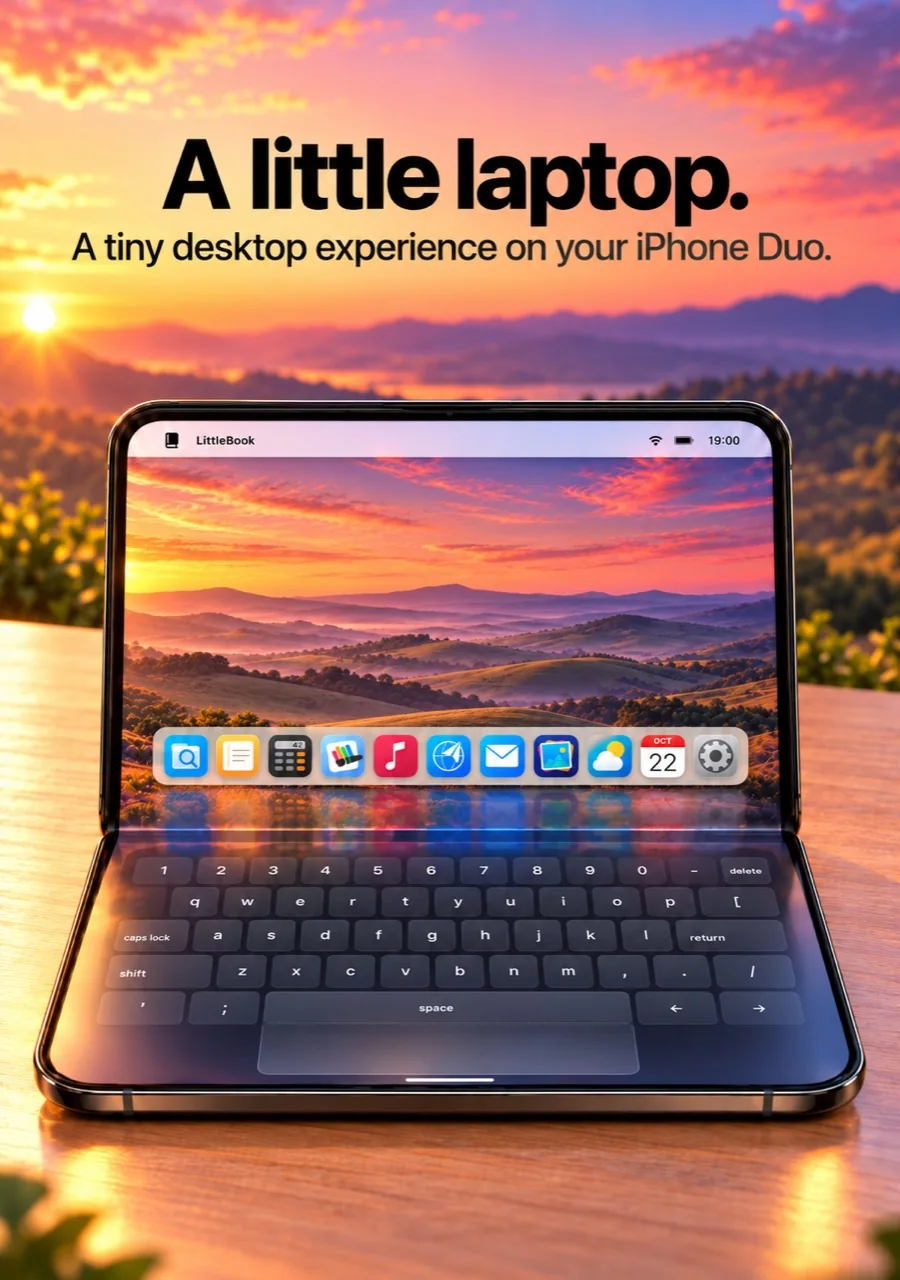
01 / Small computer energy
A macOS-inspired desktop, reimagined as a miniature playground. Your wallpaper, a colourful dock, and useful little apps that feel right at home.
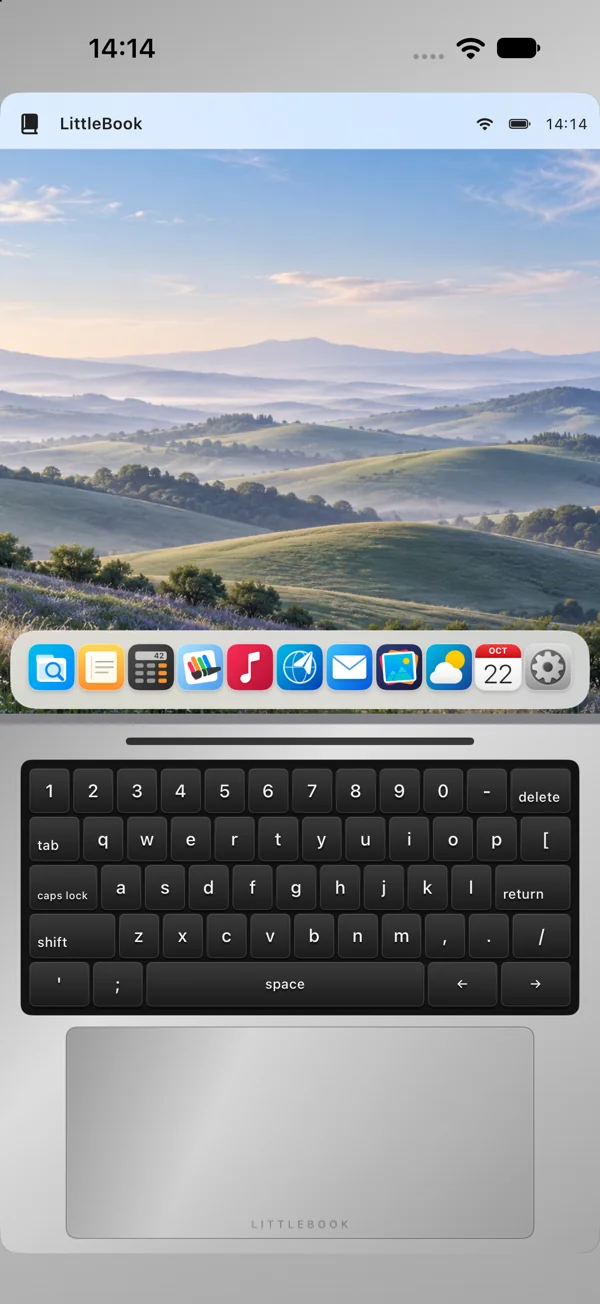
On a regular iPhone, tap the virtual lid to open LittleBook. Choose Close LittleBook from its menu to tuck it away. Your documents stay saved, ready for your next little moment.
Pick an app from the dock. Close its window to see your desktop, minimise it to return later, or go full screen for a closer look. One active window keeps things pleasantly simple.
Type on the virtual keyboard, move the pointer with one finger, and scroll with two. Direct touch works too. In LittleBrowser, scroll with the trackpad and touch webpage links and forms directly.
LittleBook is a desktop simulator within an iOS app. It does not run native macOS applications.
Made for iPhone Duo
Fold iPhone Duo into portrait tabletop posture and LittleBook falls into place: your desktop above the fold, your keyboard and trackpad below.
It’s the tiny-laptop moment. Unfold and rotate to landscape for a larger desktop with direct touch. Your regular iPhone gets its own portrait laptop experience, with a virtual opening lid.
Find your little setupWallpaper, menu bar, dock and your active app.
↓Virtual keys and a roomy trackpad, right where your hands expect them.
02 / A dock full of possibilities
Catch a thought, sketch a daydream, make a plan. All the core apps are included, with no Pro upgrade needed.
For the things worth keeping
Ideas, lists and daydreams, saved as little documents you can come back to.
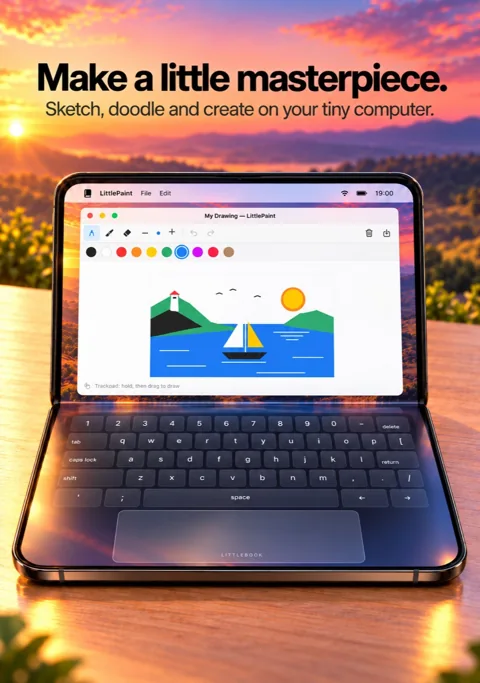
A small canvas for big ideas
Pick a colour. Make a mark. Draw by touch or hold, then drag on the trackpad. Save your masterpiece to Photos.
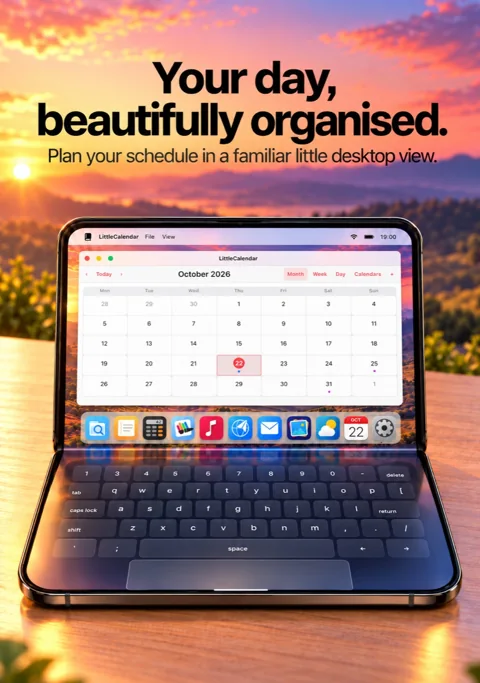
Make a little time
Browse dates, connect your calendars, and see or manage your events in month, week and day views.
LittleWeather brings Apple Weather forecasts for searched cities or your location. LittlePhotos gives your chosen photographs a little desktop home. LittleTunes connects to your music library.
Weather needs an internet connection and service availability. Photos, calendars and music use your permission; music playback depends on your library and Apple account.
Organise notes and drawings in LittleFiles. Work things out in Calculator. Explore the web in LittleBrowser. Enjoy handcrafted fictional letters in LittleMail, a cosy offline inbox with no email account or sending.
Round it all off in Settings, where your tiny computer becomes your own.
03 / Your kind of little
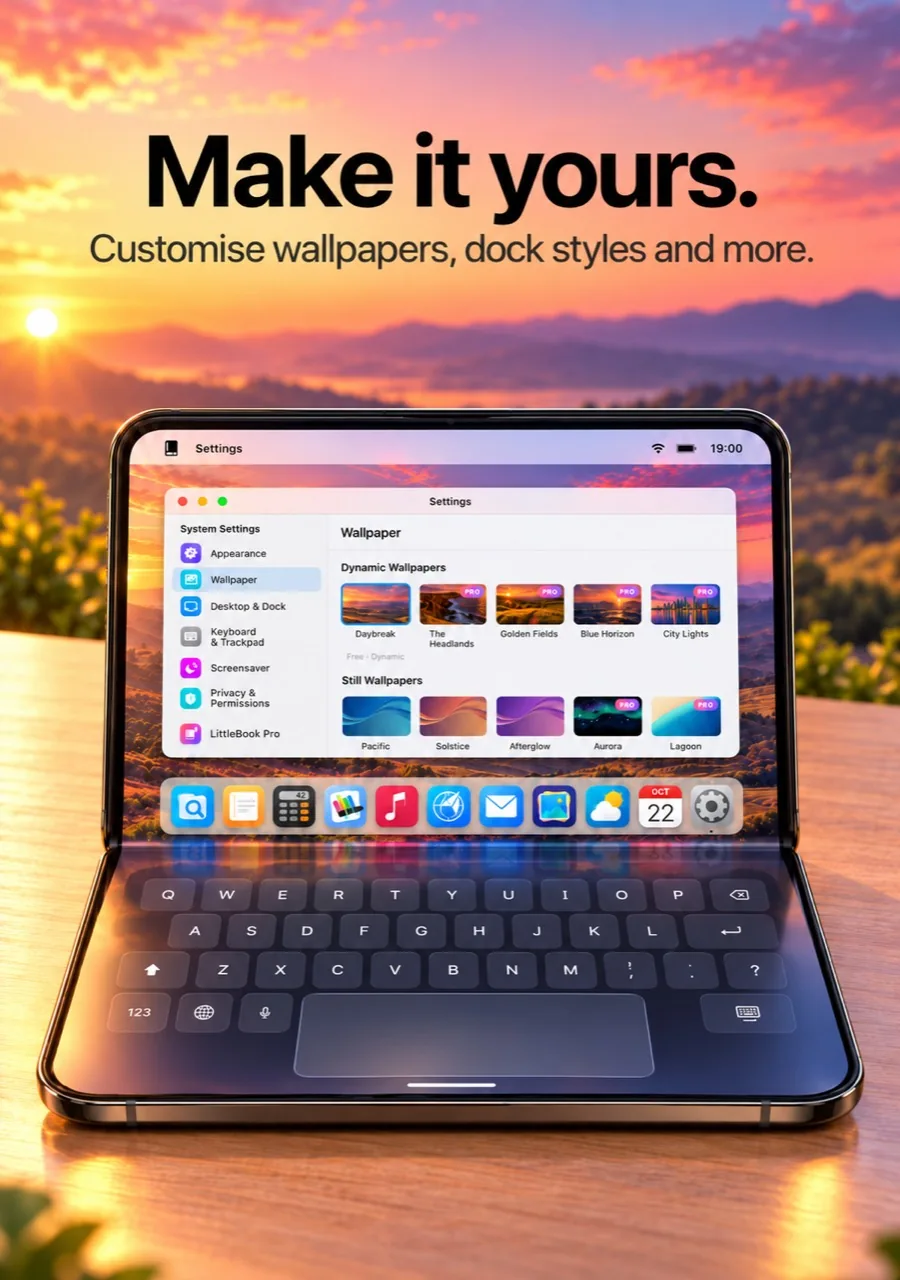
A desktop that changes with the day. A finish that feels like you. Your favourite photo, front and centre.
Start with Pacific, Solstice and Afterglow wallpapers, the dynamic Daybreak collection, or a photo of your own. Choose Silver, Space Grey or Midnight for your LittleBook’s lid and keyboard deck.
LittleBook Pro opens up more static and dynamic wallpapers, premium finishes, Glass Shelf and Graphite dock styles, and three screensavers: Starfield, Bouncing Logo and Clock.
Some wallpapers, finishes and customisation options require the optional LittleBook Pro upgrade.
A little extra, if you like
Exclusive wallpapers. Rose Gold, Starlight, Frost White and Crimson finishes. Two extra dock styles, screensavers and a startup chime. A few more ways to feel at home.
One-time purchase.
No subscription. No advertisements.
Upgrade in LittleBook’s Settings → LittleBook Pro. Apple shows your local price and handles the in-app purchase. All core apps stay free.
Purchases & restoring04 / A little support
Bugs, purchase issues, feature suggestions, general questions or accessibility problems — we’d love to hear from you.
[email protected]